The Forex trading platform market is expected to reach $22.62 billion by 2032 and grow at an 8.86% compound annual growth rate. This growth shows how many people now trade currencies. Millions of traders choose platforms every day. They decide where to place funds and which tools to trust. The Forex market moves about $7.5 trillion per day.
Choosing the best Forex trading platform in 2026 is not simple. In the past, traders had only a few choices. Today, there are many platforms. Some include AI tools, while others focus on mobile trading. Fees also differ between providers. Rules change by country, so traders must check regulations and safety.
This guide shows the top platforms and brokers that shape Forex trading today. We focus on real features, actual costs, and verified regulatory status, not sales language.
We also explain what makes each platform different, how brokers connect to these systems, and how to judge which features matter most for your situation. The goal is not to name one best option for everyone but to help you choose a platform that matches your experience level, trading style, and long-term goals.
Disclaimer: CFDs and Forex are complex instruments and come with a high risk of losing money rapidly due to leverage. 76% of retail investor accounts lose money when trading CFDs with this provider. You should consider whether you understand how CFDs work and whether you can afford to take the high risk of losing your money.
What Defines a Quality Forex Trading Platform in 2026
A Forex trading platform is the tool you use to access the currency market. It places trades, shows prices, and provides analysis tools. Choosing the right platform affects how quickly you trade and how clearly you see the market.
Key features to look for in 2026:
- Platform access
We recommend platforms that work on desktop, web, and mobile devices. They should maintain stability and keep your data in sync across all screens. - Technology and AI
Many platforms now include AI tools to support trading decisions. AI can assist with pattern recognition and data analysis, but it does not guarantee trading success and cannot replace sound risk management. In 2022, 30 percent of retail platforms used AI, up from 15 percent in 2018, and adoption continues to rise. - Trade execution quality
Platforms with fast execution may help reduce missed entries and slippage. The platform should support several order types and handle fast markets without delays. While fast execution can reduce slippage, it does not guarantee trading success. Sound strategy and risk management remain paramount. - Charts and analysis tools
We recommend platforms offering clear charts with indicators and multiple timeframes. These tools help traders study price moves and plan entries. - Automation and copy trading
Automated trading and copy trading carry the same risks as manual trading. Past performance does not guarantee future outcomes. Platforms should allow strategy automation or copying with risk controls in place. - Mobile trading
More than 70 percent of trades now happen on mobile devices. We suggest mobile apps that let traders view live prices, set alerts, and execute orders quickly on mobile devices. Charts and analysis tools should remain fully functional on mobile. However, mobile execution depends on connectivity and conditions. - Regulation and safety
Regulatory oversight is fundamental to trader protection. We strongly recommend prioritizing regulated brokers regardless of other platform features.
We believe choosing the right Forex platform means balancing speed, tools, and safety. Using these features wisely supports a solid risk management approach for CFD trading, helping you control potential losses.
The 7 Platforms Shaping Forex Trading Right Now
We present the following platforms to help you understand the range of options available. This comparison is for educational purposes and should not be considered an endorsement of any particular platform or broker.
| Platform | Core Strength | Assets Supported | Automation | Best For | Main Limitations |
| MetaTrader 4 (MT4) | Reliability and large ecosystem | Forex, CFDs | MQL4, Expert Advisors | Beginners, EA users, traders who value stability | Limited assets, fewer timeframes, minimal new updates |
| MetaTrader 5 (MT5) | Speed and advanced analysis | Forex, stocks, futures, CFDs | MQL5, advanced EAs | Advanced traders, multi-asset traders, algo builders | Steeper learning curve, MT4 tools need conversion |
| cTrader | Fast execution and transparency | Depends on broker | C# via cTrader Automate | Scalpers, ECN traders, short-term strategies | Smaller indicator library, broker-dependent assets |
| TradingView | Charting and market analysis | Forex, stocks, crypto, indices | Pine Script indicators | Technical analysts, multi-market analysis | Not a full execution platform, limits on free version |
| NinjaTrader | Strategy testing and automation | Futures, Forex | NinjaScript | Systematic and data-driven traders | Complex interface, futures-first focus |
| DXtrade | Web-based flexibility | Forex, stocks, commodities, indices, crypto | APIs, automated orders | Traders who want a modern browser platform | Features vary by broker, limited learning resources |
| QuantConnect | Institutional-grade research | Forex, stocks, futures, crypto | Python, C# | Professional and algorithmic traders | Requires coding skills, no direct retail execution |
MetaTrader 4

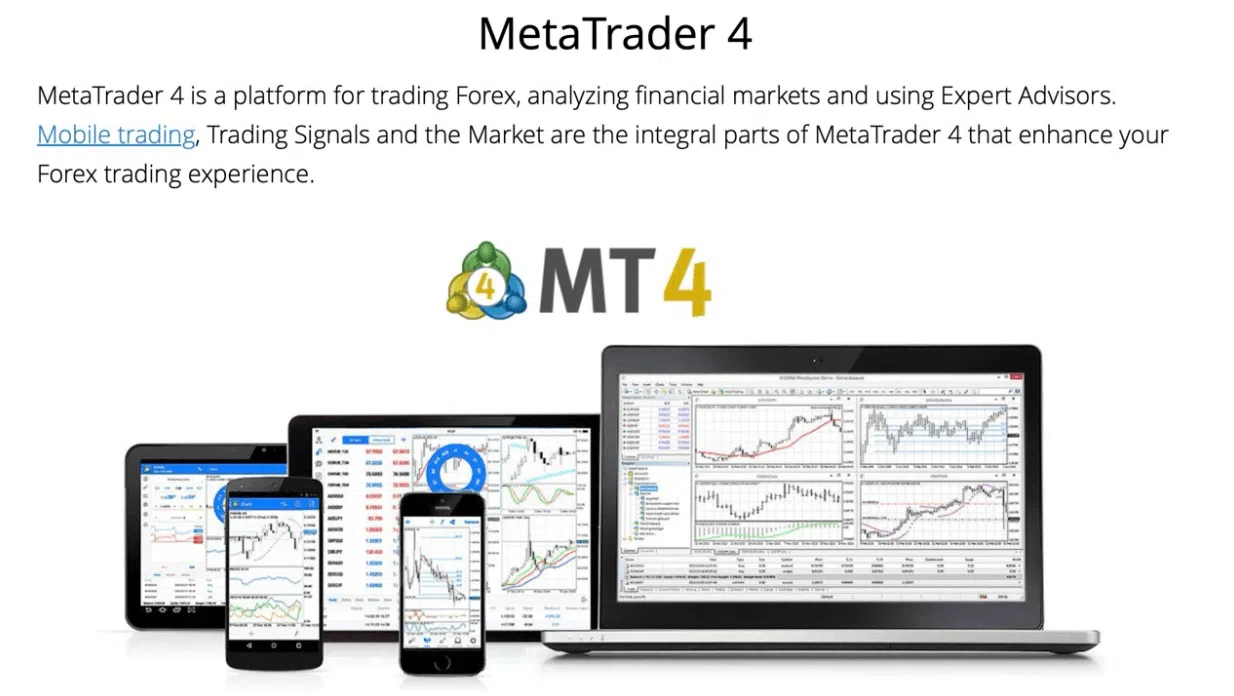
Many traders rely on MetaTrader 4 because it combines reliability with strong community support. The platform comes with 30 built-in indicators and 9 chart timeframes, which give users the tools to study price movements effectively. Automation works through MQL4, and thousands of Expert Advisors let traders run strategies without coding. New users often find the interface easy to navigate, while experienced traders benefit from the extensive community resources.
Key Features
MT4 shines for its proven track record and wide ecosystem. The Expert Advisor marketplace offers thousands of automated strategies ready to use. Its simple and intuitive layout appeals to beginners while still providing the flexibility that experienced traders need.
Pros
- Stable and proven platform with wide broker support
- Large library of Expert Advisors and indicators
- Simple and approachable interface
Cons
- Focused on Forex and CFDs only
- Limited timeframes for detailed analysis
- Few new features, as updates focus on MT5
Best suited for: New Forex traders who want a simple, stable platform, users who rely on Expert Advisors, and traders prioritising reliability and broker availability.
MetaTrader 5

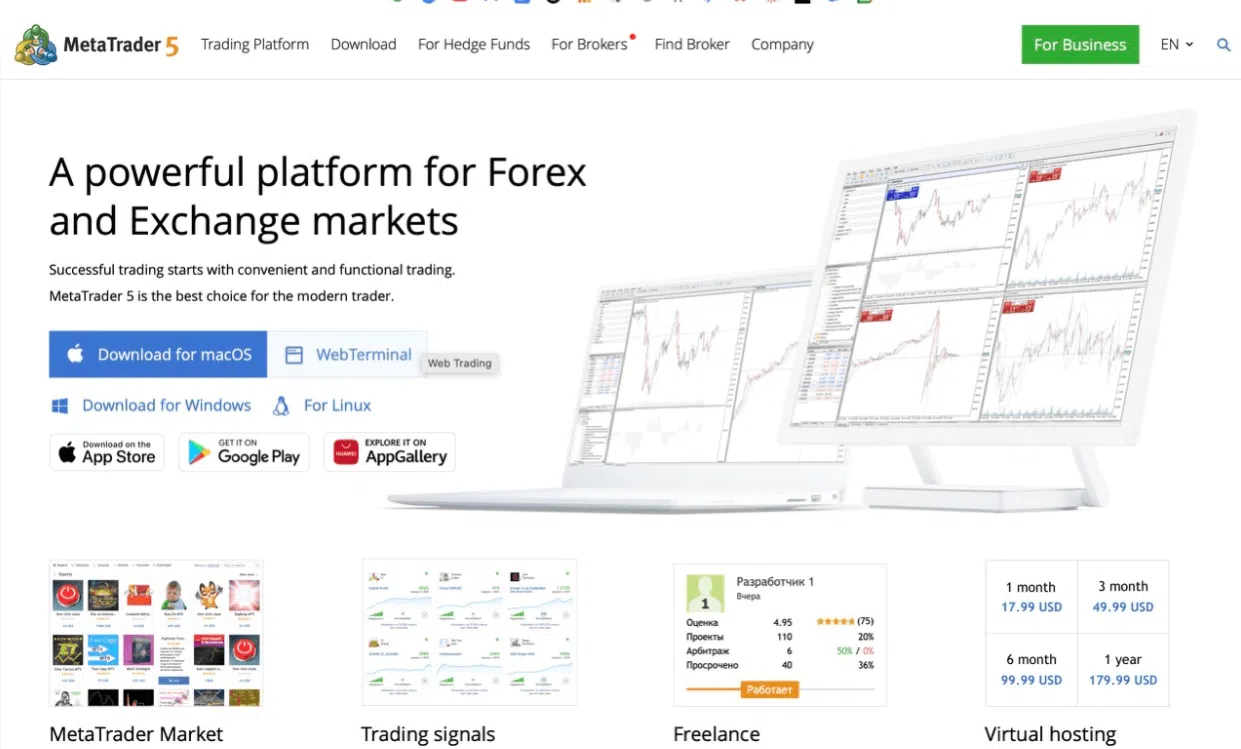
MetaTrader 5 has a 64-bit architecture that handles multiple indicators and complex Expert Advisors smoothly. The platform offers 21 chart timeframes, extra built-in indicators, and drawing tools, giving users flexibility for technical analysis without needing third-party add-ons.
MT5 supports multiple asset types, including Forex, stocks, and futures. Automation works through MQL5, allowing traders to build advanced strategies tailored to their approach. Many users value the expanded capabilities, though it takes time to master all features.
Key Features
MT5 stands out for speed, multi-asset support, and advanced analytical tools. Traders can run more complex strategies efficiently and manage multiple markets from a single interface. The expanded charting options and indicators give users more ways to study market movements.
Pros
- 64-bit architecture for faster processing
- Supports multiple asset types, including Forex, stocks, and futures
- More chart timeframes and built-in indicators than MT4
Cons
- Expert Advisors from MT4 require conversion
- More complex interface that takes time to learn
- Steeper learning curve for new traders
Best suited for: Advanced traders needing multi-asset access, algorithmic traders building new strategies, and anyone willing to spend time learning the platform’s features.
cTrader
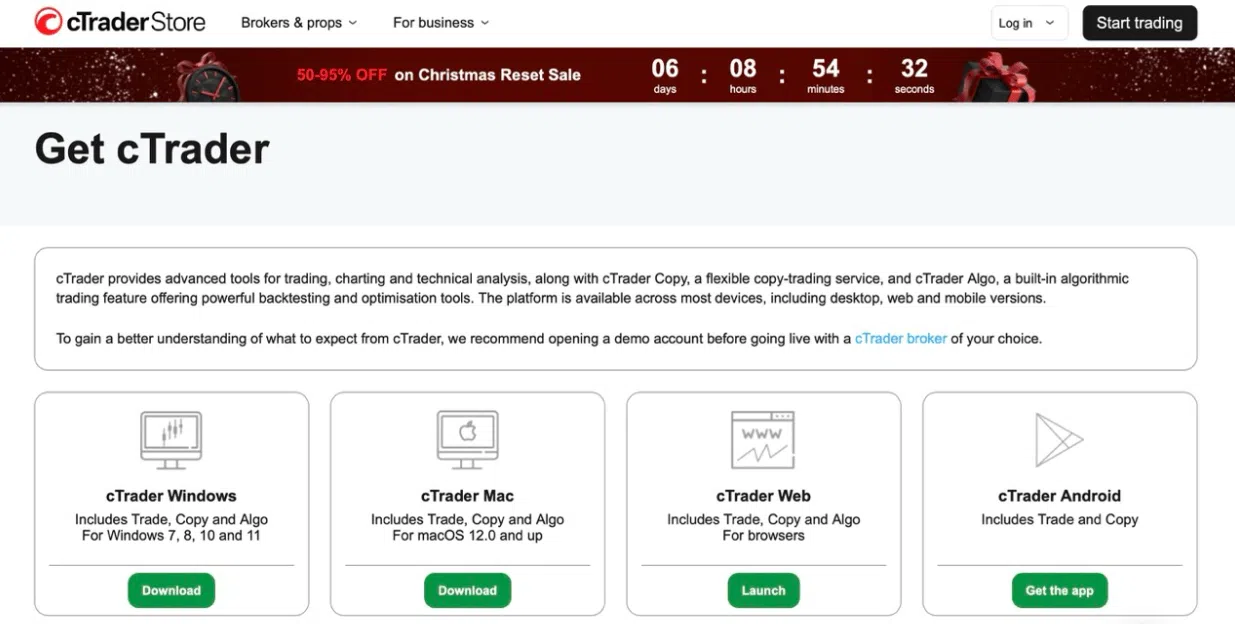
Traders use cTrader for speed and clear order execution. The platform uses ECN-style execution, so users can see exactly where their orders fill. Level II pricing shows pending orders at different price levels, helping traders understand market activity. Over 8 million users trade with cTrader through more than 250 brokers.
Automation works through cTrader Automate, which uses C#. Traders with programming skills can create automated strategies, while built-in copy trading lets users follow other traders directly on the platform.
Key Features
cTrader focuses on fast execution and market visibility. Level II pricing helps short-term traders make better decisions. Integrated automation and copy trading make it easier to use strategies without switching tools.
Pros
- ECN-style execution with clear transparency
- Depth of market visibility with Level II pricing
- Automation and copy trading integrated with C#
Cons
- Smaller indicator library than MetaTrader or TradingView
- Limited platform-based educational resources
- Asset availability depends on the broker
Best suited for: Scalpers and short-term traders needing market depth, ECN-focused traders, and programmers comfortable with C#.
TradingView
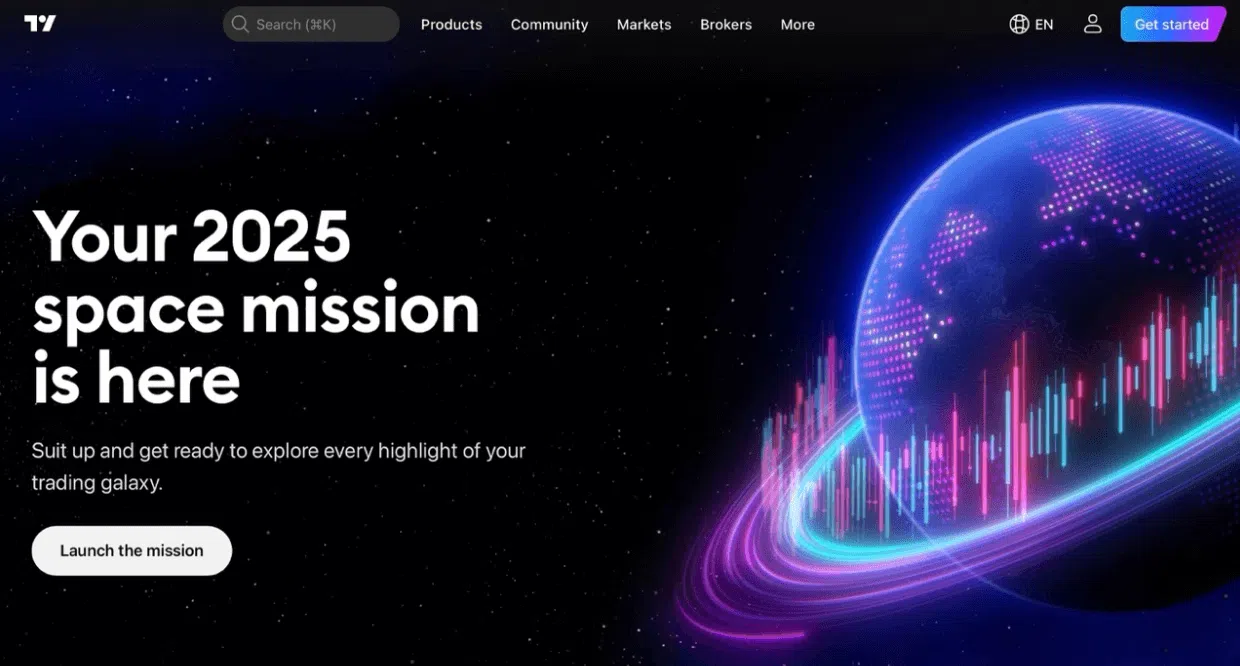
Traders use TradingView mainly for charting and analysis. It has over 50 million users and works in a browser, so no software installation is needed. The platform includes more than 160 indicators, many drawing tools, and allows custom indicators through Pine Script. Multi-timeframe analysis and different chart types happen smoothly in the same workspace.
TradingView also has a social component. Users share trade ideas, discuss market trends, and publish custom indicators. Traders who learn by seeing others’ approaches often find this community useful for improving their own strategies.
Key Features
TradingView stands out for charting and analysis. Its tools let traders examine markets in detail and test ideas visually. The social features make it easier to learn from other users’ strategies and see how different traders approach the markets.
Pros
- Over 160 built-in indicators and many drawing tools
- Supports custom indicators with Pine Script
- Community features let users share ideas and learn
Cons
- Not a full execution platform; depends on broker integration
- Free version has limits on indicators and features
- Customer support is inconsistent
Best suited for: Traders who focus on technical analysis, users who learn from community-shared ideas, and anyone analyzing multiple assets like Forex, stocks, and crypto.
NinjaTrader
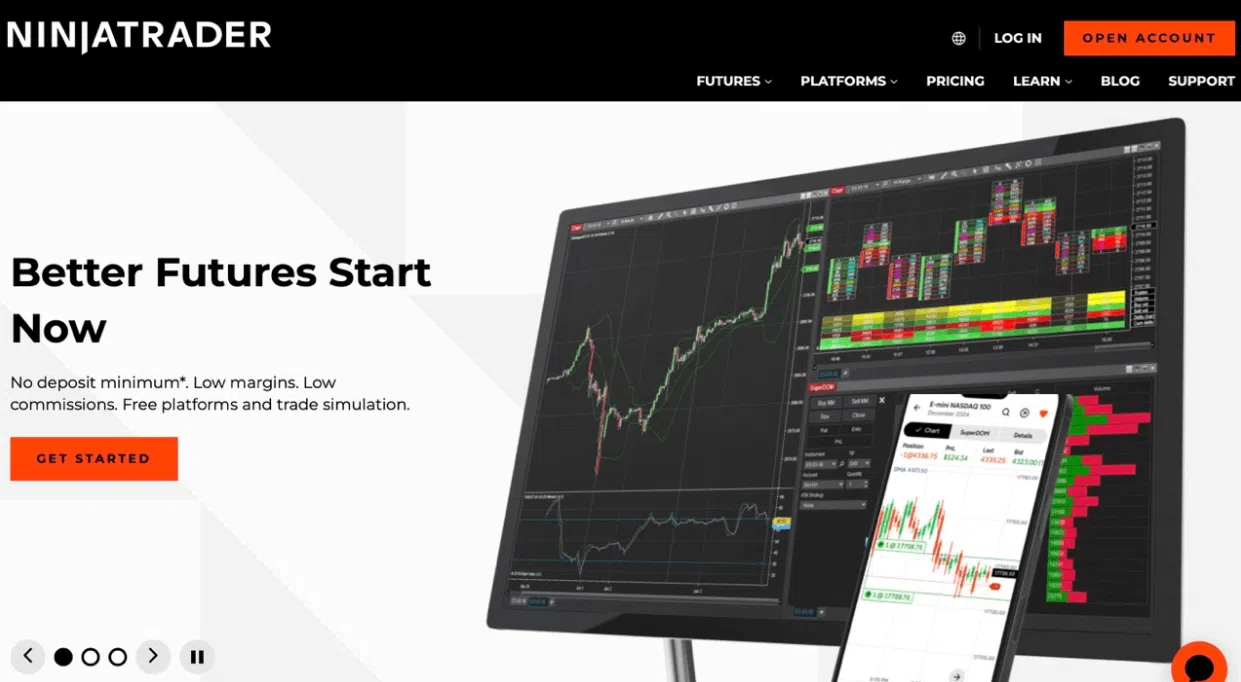
NinjaTrader focuses on algorithmic trading and strategy testing. Traders can build strategies and test them on historical data before using real money. The platform works best for futures, but it also supports Forex trading.
Key Features
Traders like NinjaTrader for its flexible workspace. You can arrange charts, dashboards, and order templates to match your style. The platform also has real-time alerts and detailed trade logs, which help you track performance and adjust strategies.
Pros
- Advanced strategy optimisation
- Strong tools for algorithmic and systematic trading
- Futures and Forex support in one platform
Cons
- Steep learning curve; takes time to become comfortable
- Primarily focused on futures, so Forex support is limited
- Complexity may overwhelm discretionary traders
Best suited for: Algorithmic traders building systematic strategies, futures-focused traders who also trade Forex, and data-driven traders willing to spend time learning the platform.
DXtrade
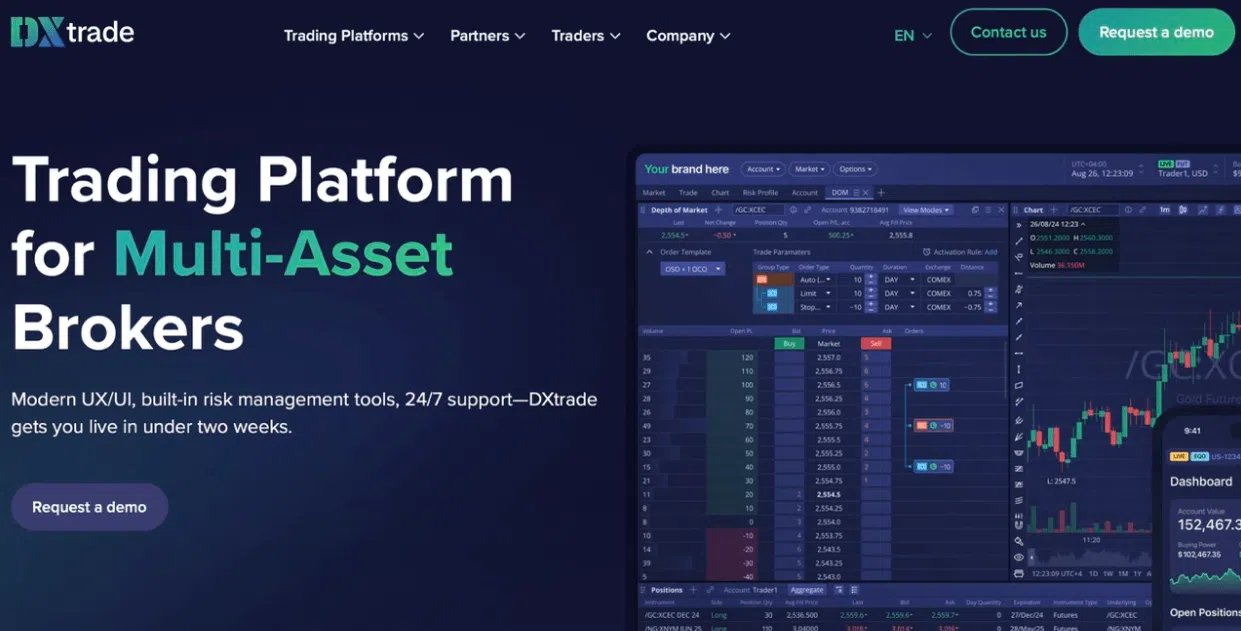
DXtrade is a modern trading platform built as a Software‑as‑a‑Service (SaaS) solution. Brokers can offer it to their clients, and users access it through a web browser or mobile device, so no software installation is needed. Availability depends on which brokers support it.
The platform lets traders work with many assets, including Forex, stocks, commodities, indices, and cryptocurrencies. It provides charts, technical indicators, multiple order types, and real-time market data. Brokers connect DXtrade to other systems, like liquidity providers, to manage trades efficiently.
Key Features
DXtrade is good for letting brokers set up rules, features, and layouts for their clients. Users can adjust charts, dashboards, and trade settings within the platform. The cloud-based system allows updates and improvements without needing heavy software installation. DXtrade also supports automated orders and APIs for more advanced trading strategies.
Pros
- Web-based; works without installation
- Supports Forex, stocks, commodities, indices, and crypto
- Settings and layout can be adjusted by brokers
Cons
- Only available through brokers
- Features and layout can differ by broker
- Fewer tutorials and learning resources than more common platforms
Best suited for: Traders who want to trade multiple assets through a modern web platform, brokers who want a flexible system for clients, and users willing to learn a newer platform offered through brokers.
QuantConnect
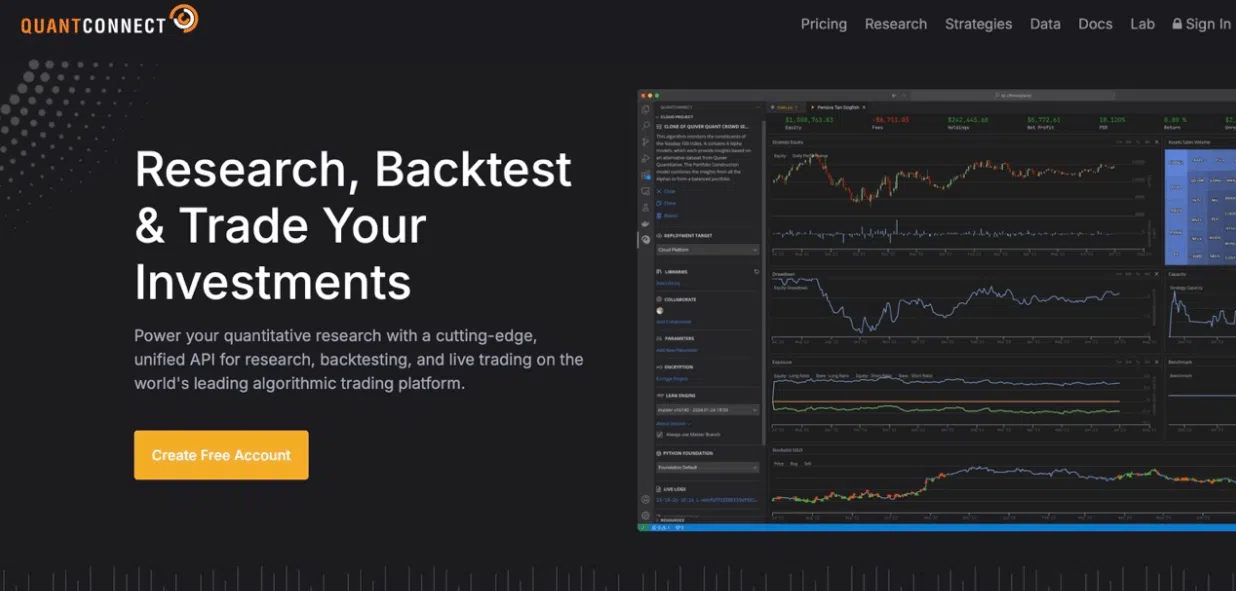
QuantConnect is a platform for algorithmic trading, mainly used by experienced traders and institutions. It runs in the cloud and lets users build trading strategies using Python or C#. Traders can test strategies using a large amount of historical data and research tools before using real money. The platform requires technical knowledge to use effectively.
Key Features
QuantConnect stands out for giving traders access to data and research tools in the cloud. Users can test strategies across many markets and time periods. The platform supports automated trading and allows integration with brokers that offer compatible execution. This gives more control to advanced users.
Pros
- Cloud-based platform
- Python and C# for algorithmic trading
- Access to extensive historical data and research tools
Cons
- Requires technical knowledge to use
- Mainly aimed at experienced or institutional traders
- No direct broker account
Best suited for: Experienced traders and institutions building and testing algorithmic strategies, users who want access to large historical data sets, and those comfortable with programming in Python or C#.
Leading Brokers for Forex Trading in 2026
We present these brokers to help you understand options available. This is for educational purposes and not an endorsement.
| Broker | Regulation strength | Markets available | Platforms offered | Pricing & execution | Best for |
| Taurex | Offshore regulation (Seychelles FSA) | Forex, indices, commodities, metals, shares, cryptos, ETFs, Future CFDs | Broker trading platform | Fast execution, stable during volatility | Traders who want clear conditions, simple tools, and multiple markets with one broker |
| Interactive Brokers | Very strong (SEC, CFTC, FCA, ASIC) | Forex, stocks, bonds, futures, options | Trader Workstation, mobile app | Tight spreads, low commissions for active traders | Professional traders, large portfolios, high trade volume |
| OANDA | Very strong (FCA, ASIC, CFTC) | Mostly Forex | MT4, MT5, fxTrade, TradingView | Competitive spreads, no minimum deposit | Beginners, Forex-only traders, regulation-focused users |
| Forex.com | Very strong (CFTC, NFA, FCA, ASIC, CySEC) | Forex | Web platform, mobile app, MT4, MT5 | Fast execution, standard pricing | Traders who want research tools and multiple platform choices |
| XM | Strong (multiple regions) | Forex, CFDs | MT4, MT5, mobile app | Competitive spreads, standard execution | Beginners and intermediate traders who want educational support |
| Exness | Strong (multiple regions) | Forex, CFDs | MT4, MT5, mobile app | Very tight spreads, fast execution | Cost-focused traders, short-term strategies |
Taurex
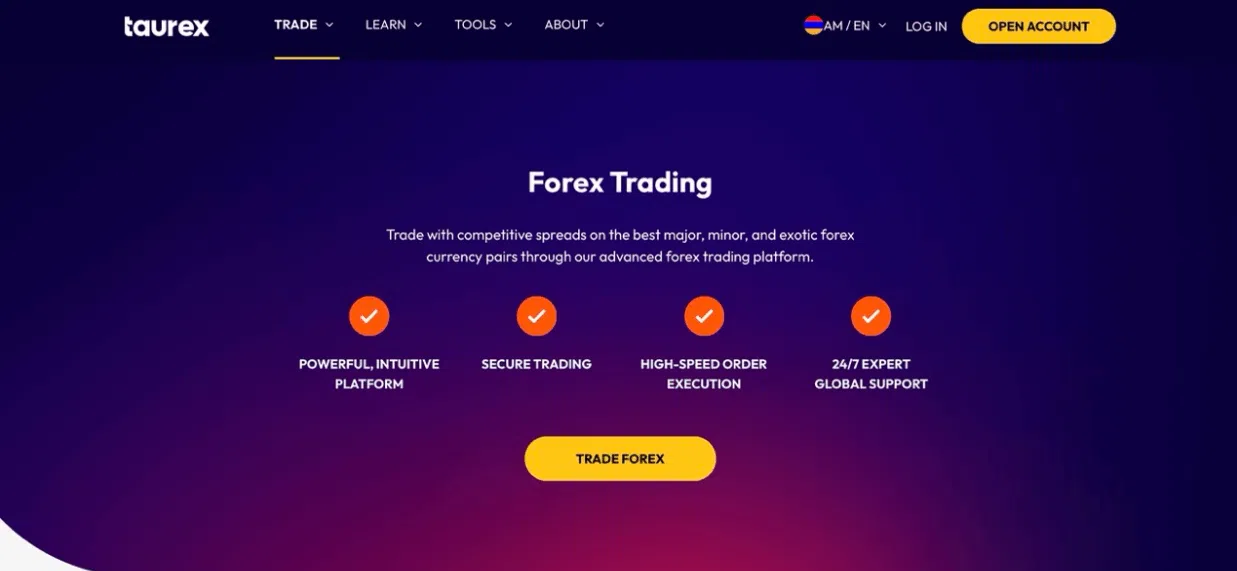
This content is provided by Taurex. While we strive for accuracy and objectivity, readers should be aware of this relationship when evaluating the information presented.[/EDIT]
Taurex is a modern Forex trading broker designed for clarity and speed. It offers a clean interface, fast order execution, and access to more than 60 indicators, multiple timeframes, and flexible chart layouts.
Taurex maintains platform stability and fast execution even during volatile market conditions, allowing traders to focus on exploring strategies rather than technical issues.
A built-in strategy builder allows traders to automate entries and exits without coding. Economic calendars and session data appear directly in the workspace, helping users plan trades and review performance without switching tools.
Key Features
Taurex combines multiple markets, which include Forex, indices, and commodities. It receives regular updates and keeps its features consistent and polished. Its curated ecosystem suits traders who prefer a controlled environment over thousands of third-party add-ons.
Pros
- Clean interface that reduces distractions
- Fast execution with stable performance in active markets
- Built-in automation tools without coding
Cons
- Fewer third-party plugins than legacy platforms
- Smaller community compared to older platforms
- Limited customisation for advanced traders
Best suited for: Traders who want stable execution, clear trading conditions, multiple markets through a single broker, and who prefer to test strategies on a demo account before committing real capital.
Interactive Brokers
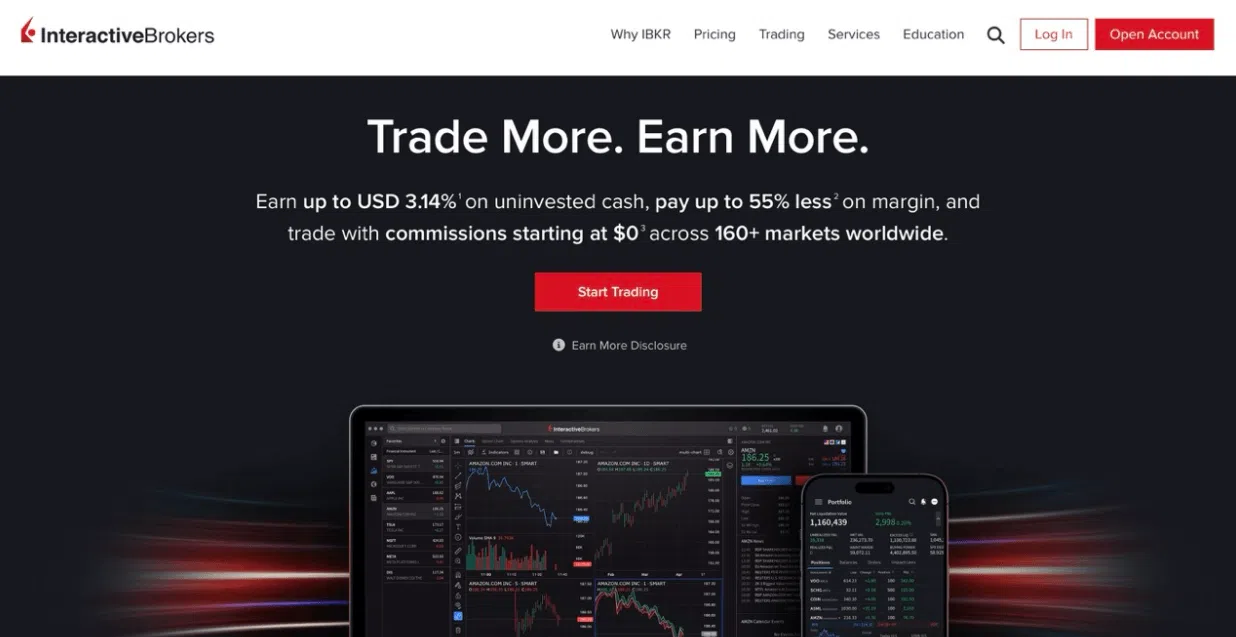
Interactive Brokers gives access to many markets in one account. You can trade over 100 currency pairs, plus stocks, bonds, futures, and options in 33 countries. The broker holds top licences, including SEC, CFTC, FCA, and ASIC, which helps keep your money protected.
The platform offers low commissions for traders who trade a lot. Spreads can be as tight as 0.1 to 0.2 pips. The Trader Workstation platform includes many indicators and order types, while the mobile app brings nearly 100 technical studies to your phone.
Key Features
One thing users notice about Interactive Brokers is the wide market access and professional tools. You can track multiple assets at once and use advanced data to make decisions. Active traders benefit from commission scaling and fast execution.
Pros
- Trade over 150 markets in one account
- Low commissions and tight spreads for active traders
- Strong regulation with multiple Tier-1 licences
Cons
- The platform is complex and takes time to learn
- Mobile and desktop apps can feel dense for beginners
- Best suited for active or professional traders
Best suited for: Traders who manage large portfolios, high-volume traders, and anyone who values regulatory protection and professional-grade tools.
OANDA
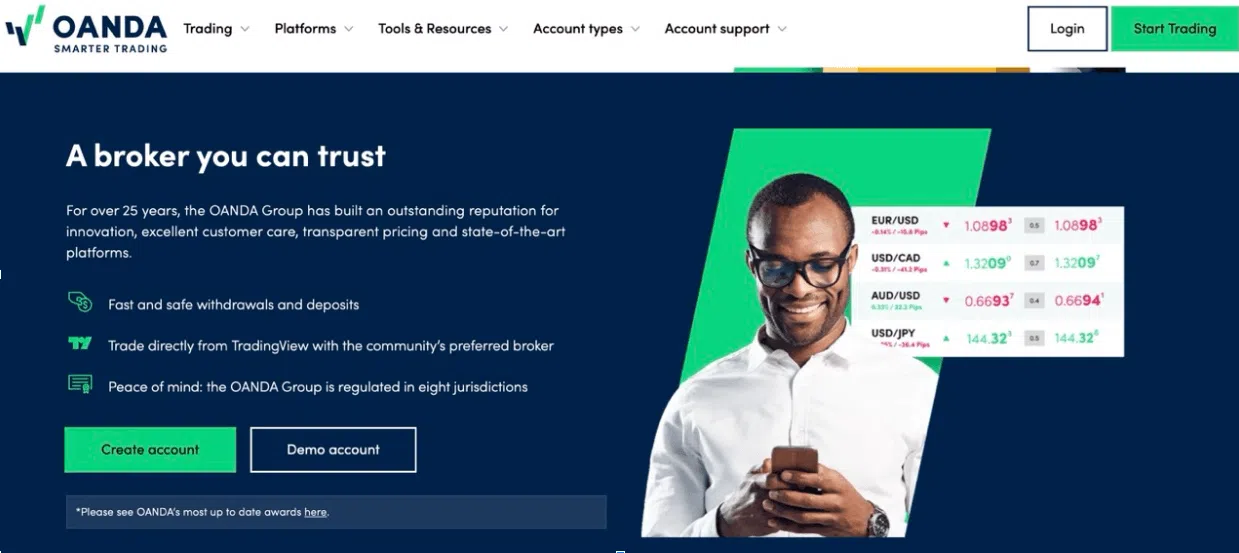
OANDA has been running since 1996 and has seven top regulatory licences, which include FCA, ASIC, and CFTC. This makes it a trusted broker in many regions.
Traders can use MT4, MT5, OANDA’s fxTrade platform, or TradingView. The platforms let you analyze the market in the way that suits you best. Beginners will like that there is no minimum deposit. Spreads start at 0.1 pips for Core accounts, and the platform supports copy trading to follow other traders’ strategies.
Key Features
OANDA is known for easy access and simple tools for beginners. The mobile and web apps let users track trades and see account info without clutter. Research tools and tutorials help new traders learn while they trade.
Pros
- No minimum deposit
- Multiple platforms available
- Trusted broker with strong regulation
Cons
- Focuses mostly on Forex, with fewer other markets
- Some advanced tools require subscriptions
- The mobile app is simpler than the desktop
Best suited for: Beginners starting with Forex, traders who want multiple platform options, and anyone who values trust and regulation.
Forex.com
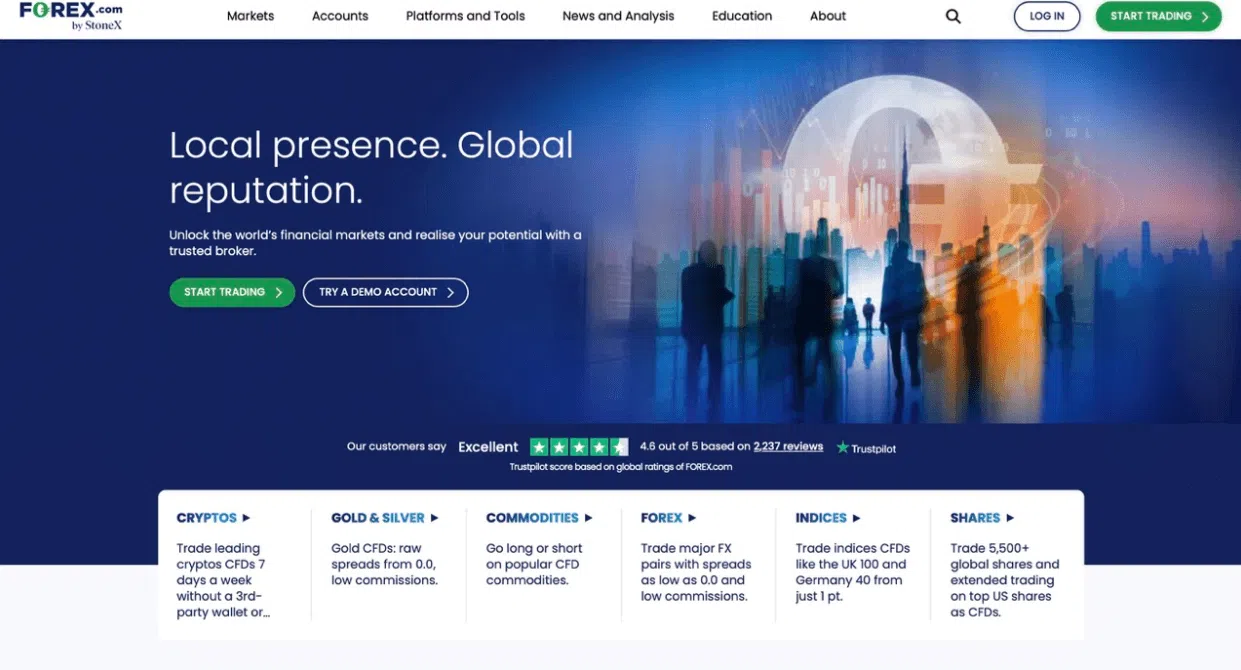
Forex.com is part of StoneX Group, which is listed on NASDAQ. The broker holds licences from CFTC, NFA, FCA, ASIC, and CySEC, giving protection across major regions.
You can trade over 80 currency pairs using Forex.com’s web and mobile platforms, or MT4 and MT5. Trades usually execute in under one second. The platform includes news feeds and research tools to help you make informed decisions.
Key Features
Forex.com balances useful tools with simple navigation. You can access over 80 technical indicators and track performance without getting lost in menus. Fast execution and clear charts make it easier for both new and experienced traders to work efficiently.
Pros
- Many currency pairs and platform options
- Fast trade execution
- Integrated news and research
Cons
- Mainly focused on Forex
- Some features require learning the platform
- Proprietary tools may feel different from MT4/MT5
Best suited for: Traders at all levels who want multiple platforms, those who like integrated news and research, and anyone prioritizing execution speed and reliable regulation.
XM
XM is a broker with a strong global reputation. They hold multiple regulatory licences across multiple countries, providing traders with added protection. They also offer competitive pricing and a variety of platforms for trading.
XM provides educational resources for traders, helping beginners and experienced users improve skills. You can trade using MT4, MT5, or each broker’s own mobile platforms, giving flexibility for different trading styles.
Key Features
XM is known for combining global regulation with competitive pricing. Traders benefit from low spreads, fast order processing, and multiple platform choices. Educational content supports long-term trading, making it easier to grow skills while trading.
Pros
- Multiple regulatory licences for global credibility
- Tight spreads and fast execution
- Platform options: MT4, MT5, and proprietary mobile apps
- Strong educational resources
Cons
- Proprietary platforms may lack some advanced tools compared to MT4/MT5
- Trading conditions may vary depending on the region
- Advanced features may take time for beginners to learn
Best suited for: Traders looking for low-cost, fast execution brokers, users who want multiple platform options, and beginners who benefit from educational support.
Why Regulation Should Top Your Priority List
Regulatory oversight is fundamental to trader protection. We strongly recommend prioritizing regulated brokers regardless of other platform features.
What Tier-1 regulators provide
- FCA (UK): Requires brokers to keep client funds separate from company money. Retail leverage caps at 1:30 on major pairs. The Financial Services Compensation Scheme protects up to £85,000 if the broker fails.
- ASIC (Australia): Limits leverage to 1:30 for retail traders and ensures negative balance protection. Strong regulations helped Australian broker clients grow from 450,000 in 2017 to over 1 million by 2019.
- CySEC (Cyprus / EU): Follows MiFID II rules, allowing brokers to operate across Europe. Investor Compensation Fund protects up to €20,000 per client. New capital rules start in 2025. Crypto rules under MiCA will apply from July 2026.
- SEC / CFTC (USA): Enforces strict rules, including a 1:50 leverage maximum. SIPC protection adds another layer of security for clients.
Taurex is regulated by the Financial Services Authority of Seychelles under licence SD092. This is an offshore regulatory jurisdiction. We recommend that traders verify that this regulatory framework meets their individual requirements and risk tolerance.
Verification checklist before funding a broker
Before sending money, we recommend checking:
- Licences from Tier-1 or Tier-2 regulators
- Segregated client funds
- Negative balance protection
- Compensation schemes
- Audit reports and financial statements
- Complaint process and past regulatory issues
Watch out for warning signs: brokers with only offshore registration, pressure to deposit quickly, or promises of guaranteed returns.[
Which Technologies Are Transforming Forex Platforms in 2026?
We believe technology has reshaped trading platforms. Key trends include:
-
AI tools help traders
AI can assist with pattern recognition and data analysis but cannot replace your trading decisions. It does not guarantee profits.
-
Trading on mobile
Mobile apps should allow traders to view live prices, set alerts, and execute orders quickly. Demo accounts on mobile apps help test strategies without risking capital.
-
Cloud systems and crypto
Cloud technology keeps trading data synced across devices and supports high volumes. Some platforms now include cryptocurrency trading alongside Forex, offering additional options for traders.
What Does the Platform Landscape for 2026 Look Like?
Forex platforms have changed a lot. Mobile apps, AI tools, and stricter rules affect how traders use them.
- Beginners: Look for simple platforms with low deposits and clear guidance.
- Professional traders: Use platforms with many markets, fast execution, and advanced tools.
- Scalpers: Platforms with fast order execution and market depth information work best.
- Technical analysts: Choose platforms with strong charting and analysis features.
- AI-assisted trading: Platforms can help spot patterns and run strategies automatically, but you still make the final decisions.
Taurex provides a unified platform for automation and clarity. Regular updates maintain reliability, and we strongly recommend testing any platform on a demo account before committing real capital.
To explore Taurex’s features and educational resources, visit our website or open a demo account to practice risk-free.
Frequently Asked Questions
How much money do I need to start trading Forex?
You can open an account with a small deposit, but very tiny accounts limit trade sizes and increase fees. Remember that a large percentage of retail traders experience losses. Start with capital you can afford to lose completely and never trade with money needed for living expenses.
Should I focus on low spreads or strong regulation?
We recommend checking regulations first. Even the lowest spreads do not matter if the broker mishandles funds. Once you confirm strong regulation, consider spreads and costs.
Can I rely on mobile trading instead of a desktop platform?
Yes, for many traders. Modern mobile apps let you view charts, place orders, and get alerts. Some traders even execute most of their trades on mobile. But if you need multiple charts or run complex strategies, a desktop platform gives more space and power.
How useful is AI in trading platforms today?
AI can spot patterns, track news, and help with trade setups. It can save time and support your analysis, but it doesn’t replace your decisions. Treat AI as a tool, not a shortcut to guaranteed profits.
What happens if my broker fails?
Regulated brokers keep client funds separate from company money. Many also provide compensation schemes that cover losses up to a set limit, subject to each regulator’s compensation rules. Brokers without strong regulation don’t offer this protection, so always confirm a broker’s licenses before depositing.